What Is a Safe Crop for Horns, Hats, and Hair in a Circular Avatar?
In the world of digital identities—whether on Discord, gaming communities, or esports teams—your avatar is often your first impression. But avatars aren’t just static images; they live inside circles, especially on platforms like Discord where profile pictures are rendered within a circular frame. This poses unique challenges for anything that extends beyond the typical face silhouette, such as horns, hats, wild hair, or other accessories.
In this blog post, we’ll explore the best practices for cropping these elements safely inside mobile ui avatar best practices a circular avatar. We’ll focus on key themes such as silhouette recognition, mobile-first readability, contrast and separation, and face and expression clarity. We’ll also reference Discord as a popular use case and include insights from testing avatars on both light and dark modes, using circle previews, and ensuring your final image works across all screen sizes.
Why Crop Matters in Circular Avatars
Unlike square or rectangular profile images, circular avatars introduce natural cropping that can easily cut off important details or create awkward compositions. This becomes especially problematic when avatars feature:
- Horns protruding from the head
- Hats with wide brims or tall shapes
- Hair that flows outward with spiky or voluminous styles
- Other accessories like headphones, glasses with large frames, or scarves
These elements can be iconic parts of a character or brand—so the challenge is to keep those elements visible while maintaining a clear, balanced silhouette inside the circle icon margins.
Understanding Circle Icon Margins on Discord
Before diving into techniques, it’s essential to understand how Discord displays avatars:
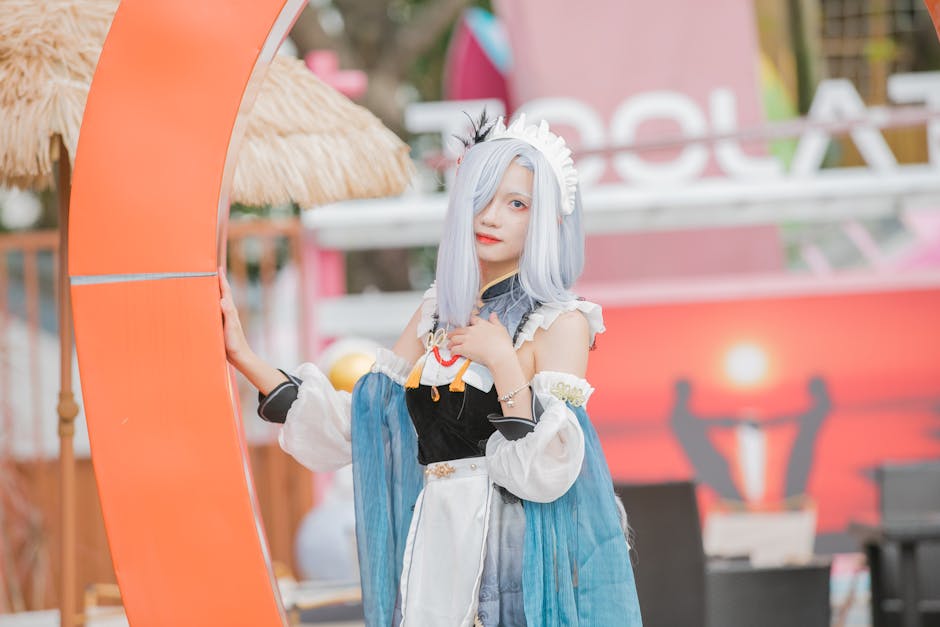
- Avatars are uploaded as squares but displayed as circles, with the corners cropped out.
- The visible area is effectively a circle inscribed inside the square, meaning the very edges of your square image will be cut off.
- On mobile devices, avatars can appear smaller, so details that might be visible on desktop can get lost.
- Discord compresses avatars but normally maintains good resolution when viewed at full size (e.g., 128x128, 256x256 px).
Because of these constraints, it’s critical to assume a circular viewport and build your design with safe margins.
Recommended Safe Margins
Avatar Size (px) Safe Circle Diameter (px) Recommended Margin (px) Notes 256x256 ~228–230 13–14 Use to prevent clipping of horns/hats 128x128 ~114–115 6–7 Easiest to test during development 64x64 ~57–58 3–4 Mobile preview and small-scale useAlways preview your avatar using circular masks at various sizes to ensure no key features, especially horns, hats, or hair, are cut off.
Key Theme #1: Silhouette Recognition
An avatar’s silhouette is paramount. It’s the first thing people subconsciously process to identify a user or team quickly. When cropping horns, hats, or hair:
- Keep the silhouette intact: These prominent shapes often define a character or personality. Avoid cropping them so closely that the form becomes ambiguous.
- Test with circle masks: Use circle-shaped cropping tools early to preview how much of the horns/hat/hair will remain visible.
- Simplify complex elements: If horns or hairstyles are highly detailed or spiky, consider toning them down or making outlines bolder for clarity.
In my personal folder of “good silhouettes,” I keep references from well-designed Discord servers and esports teams that consistently maintain clear, memorable shapes even at small sizes.
Tips for Silhouette Testing
- Open your design in an editing tool that allows circle cropping previews (Photoshop, Figma, or Discord’s own avatar preview).
- Overlay a circle mask to simulate Discord's circular viewport.
- Zoom out to mobile scale (at ~64x64 px) to verify the silhouette clarity.
- Adjust the placement or scale of horns, hats, or hair so they sit fully within the circle margins.
Key Theme #2: Mobile-First Readability
The majority of Discord users access the platform on mobile devices. Avatars often appear small—sometimes as little as 32x32 px in chats or sidebar lists. This means:
- Fine detail, tiny text, or subtle facial features become impossible to see.
- Busy backgrounds or overlapping elements cause visual noise.
- Faces cropped too small lose expression and emotional impact.
Mobile-first avatar design means focusing on strong, simple shapes and clear separation between foreground (face and accessories) and background.
How to Make Horns, Hats, and Hair Mobile-Readable
- Enforce minimalism: Avoid tiny spikes or intricate hat patterns that blur together.
- Use contrast and outlines: Make sure horns or hair clearly contrast with the background and the face to pop at small sizes.
- Crop generously but carefully: Leave enough space for horns/hats but don’t overcrowd the face inside the circle.
Remember: Your avatar’s face and expression are the emotional anchor; horns/hats should enhance—not obstruct—the character’s identity.
Key Theme #3: Contrast and Separation
Contrast is critical in digital avatars, especially when working with circular crop constraints.
- Foreground vs Background: Horns, hats, or hair should not blend into the background color.
- Accessory vs Face: These elements need clear visual separation from the face to avoid visual confusion.
- Color choice matters: If an accessory is the same color as the background in parts, it will disappear once cropped.
Testing on both light and dark modes is key—Discord users switch themes often. Always preview your avatar on both backgrounds to ensure your accessory crop supports strong silhouette separation.
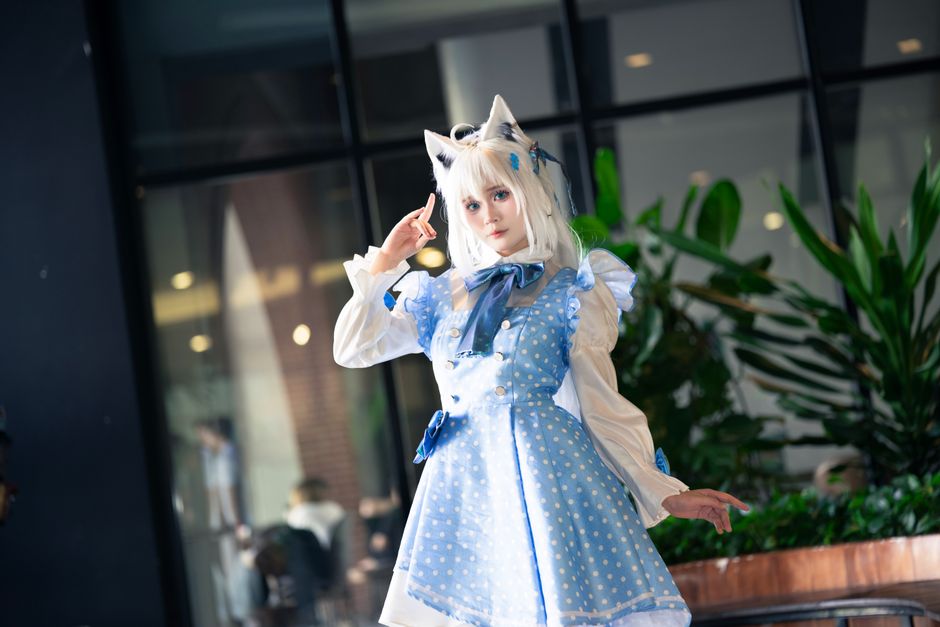
How to Enhance Contrast and Separation
- Add a subtle outline or highlight around horns/hats/hair.
- Use drop shadows or glows, but keep them subtle to avoid clutter.
- Choose background colors that complement but do not wash out the accessory colors.
- Keep busy or noisy texture patterns out of the crop zone—solid or gradient fills work better.
Key Theme #4: Face and Expression Clarity
Think about it: the ultimate goal of an avatar is to communicate identity and personality through facial expression and features.
- Don’t crop faces too tightly—eyes, mouth, and key expression elements should remain prominent.
- Make sure accessories like horns and hats frame, not obstruct, the face.
- Leave room between accessories and the circular edge to prevent them from visually “pinching” the face.
When cropping horns, hats, and hair, prioritize the clarity of the face above all. If an accessory must be slightly trimmed to keep the face clear, it’s usually a better trade-off.
Balancing Accessories and Face in Your Crop
Use these balancing tips:
- Place the head/face slightly off-center if needed to capture large accessories fully.
- Scale down horns/hats slightly rather than positioning them flush against the edge.
- Use hair shapes to guide the eye toward the face, rather than compete with it.
Practical Workflow for Cropping Horns, Hats, and Hair Safely
- Create or select your avatar artwork at high resolution to maintain crispness during downscaling.
- Place your head, face, and accessories within a square artboard sized for your target resolution (e.g., 256x256 px).
- Apply a circular mask overlay corresponding to your platform’s circle icon margins.
- Adjust the placement and scale of horns/hats/hair to ensure all important parts fit inside the circle without clipping.
- Check silhouette clarity with the mask on and zoom out to simulate mobile sizes.
- Test on both light and dark backgrounds to verify contrast and separation.
- Export and upload to Discord, then perform final on-platform tests at all common sizes.
- Iterate as necessary based on readability and recognition at small scales.
Common Mistakes to Avoid
- Relying on tiny text in the avatar: Text almost always becomes unreadable; use shapes and colors instead.
- Overcrowded or busy backgrounds: These create visual noise and reduce accessory silhouette clarity.
- Cropping faces too tightly: This loses expression and emotional connection.
- Ignoring mobile view: An avatar that looks great on desktop may become indistinguishable on smaller screens.
- Sacrificing face clarity to save accessory details: Prioritize the face above all else.
Conclusion
Designing safe crops for horns, hats, and hair in circular avatars—especially on platforms like Discord—is a balancing act between keeping iconic accessory shapes, preserving face clarity, and ensuring mobile-first readability. By respecting circle icon margins, focusing on silhouette recognition, enhancing contrast and separation, and protecting facial expression clarity, you can create avatars that stand out, are instantly recognizable, and look great no matter the device or theme.
Remember: test your avatars aggressively with circle masks and on various backgrounds before calling the crop complete. With thoughtful adjustment, you can keep your characters’ unique accessories beautifully visible without sacrificing the all-important face that defines them.
Happy avatar designing!